Photos
Media is the fourth group on the Transition tab.
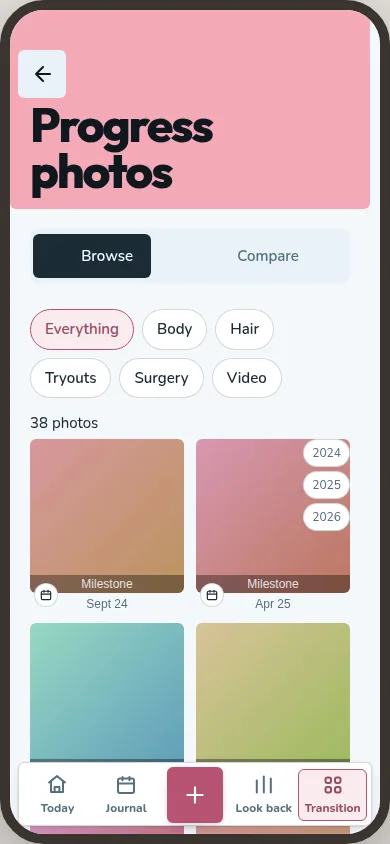
Photos is every photo in your journal in one dated list: from entries, milestones, hair progress, hair removal, tryouts and surgery. The chips at the top narrow it down by where a photo came from.
Pick two photos and drag the divider across them to compare the earlier one with the later. For an export, choose a date range and make a collage or timelapse from selected photos. You can preview it before sharing.
Photos stay inside the app and never go to your phone's gallery. To change or delete one, open the entry or record it belongs to.
Documents
Documents holds the papers you keep, such as opinions, diagnoses, referrals, court rulings and invoices. Each has a date, a title you write and the file itself. You can link a document to a roadmap goal, a milestone, a surgery journey or a regimen.
The index groups documents by what each paper proves. Photos and PDFs have thumbnails. The app never reads what a document says, so you find one by its title.